
Screenshots
App details
- Updated
- 2024-07-26T08:31:14.3914069Z
- Requires
- Windows 10 version 17763.0 or higher
- Language
- English
- Developer
- Mariner License Prep, LLC
- Category
- Mobile
SoftPas in:
This product is also available in the following languages:
About Sea Trials
Download Sea Trials – USCG exam prep, deck exam study, engine exam prep, maritime study tool, online test prep
Overview
Sea Trials is a dedicated mobile application designed to support individuals preparing for the U.S. Coast Guard DECK and ENGINE examinations. As a comprehensive study platform, it offers a structured approach to mastering the complex knowledge required for maritime licensing. The app addresses the critical need for reliable, accessible, and up-to-date exam preparation tools, particularly for mariners who operate in remote or offline environments. Its core purpose is to simplify the study process by organizing official USCG materials into a user-friendly, interactive format.
Target users include aspiring and current mariners, maritime students, and professionals seeking to maintain or upgrade their credentials. The app is especially valuable for those with limited internet access, such as crew members on vessels at sea or individuals in isolated coastal communities. Real-world use cases include daily study sessions during long voyages, last-minute review before exams, and targeted practice on weak subject areas. By leveraging publicly available USCG resources, Sea Trials provides a trustworthy and legally compliant study aid that aligns with official testing standards.
The developer, Sea Trials, has focused on creating a utility that meets the practical demands of maritime training. Although no additional background on the developer was provided, the app’s foundation in official materials underscores its credibility. In the broader mobile app ecosystem, Sea Trials fills a niche for specialized, high-stakes exam preparation tools tailored to a technically demanding profession. Its presence highlights the growing trend of mobile-first learning in vocational and professional training sectors.
Key Features & Functionality
- Offline Study Mode: Users can access all study content without an internet connection. This is ideal for mariners on extended voyages or in areas with poor connectivity, ensuring continuous learning regardless of location.
- Device Syncing: Progress and study data are synchronized across multiple devices. This allows users to start studying on a tablet at home and continue on a smartphone while onboard a vessel, maintaining continuity and flexibility.
- Updated Question Bank: The app features a question bank sourced directly from current U.S. Coast Guard materials. This ensures that all practice questions reflect the latest exam standards and content, reducing the risk of studying outdated information.
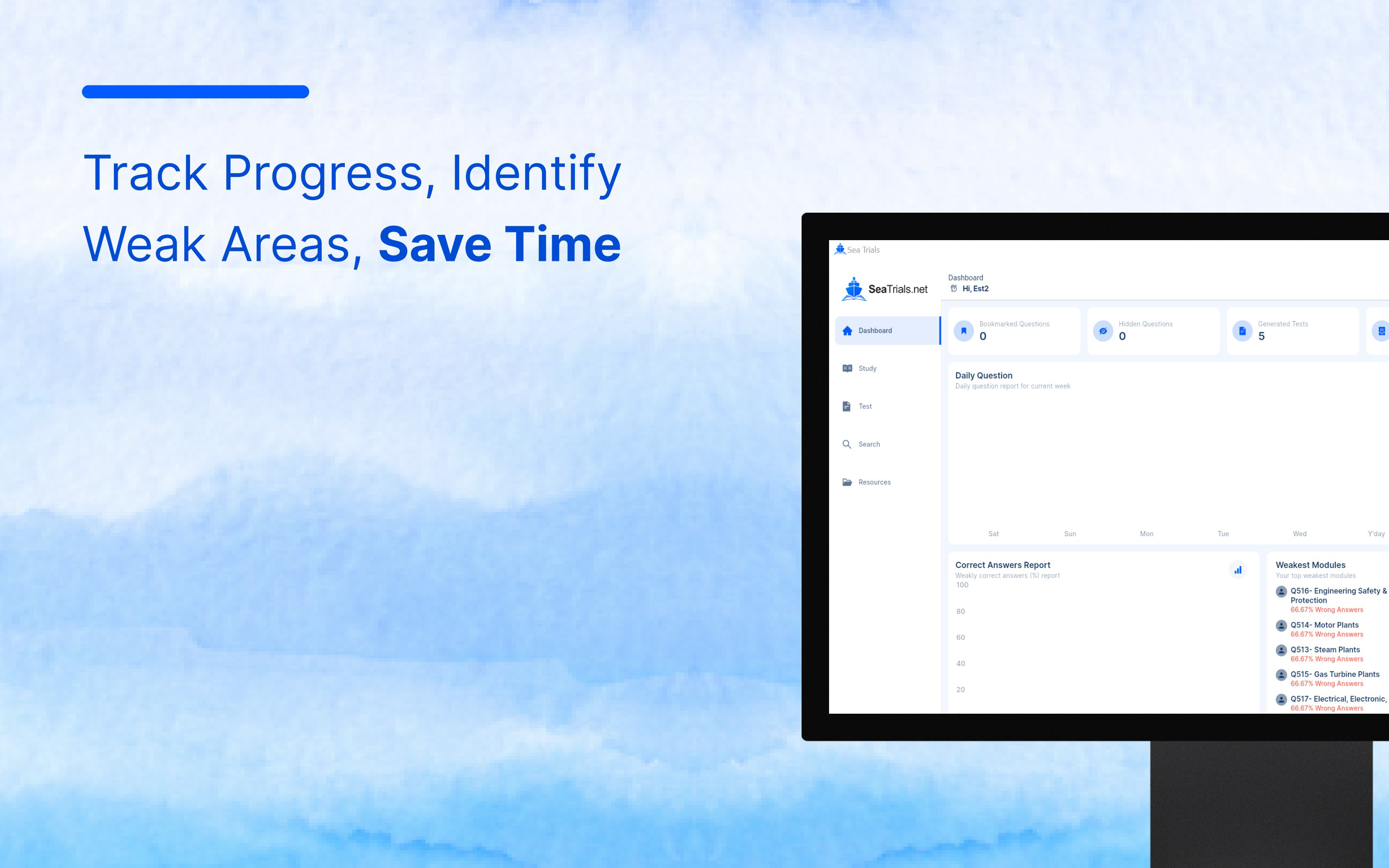
- Real-Time Feedback: After completing practice questions, users receive immediate feedback. This enables quick identification of knowledge gaps and supports adaptive learning by highlighting areas needing further review.
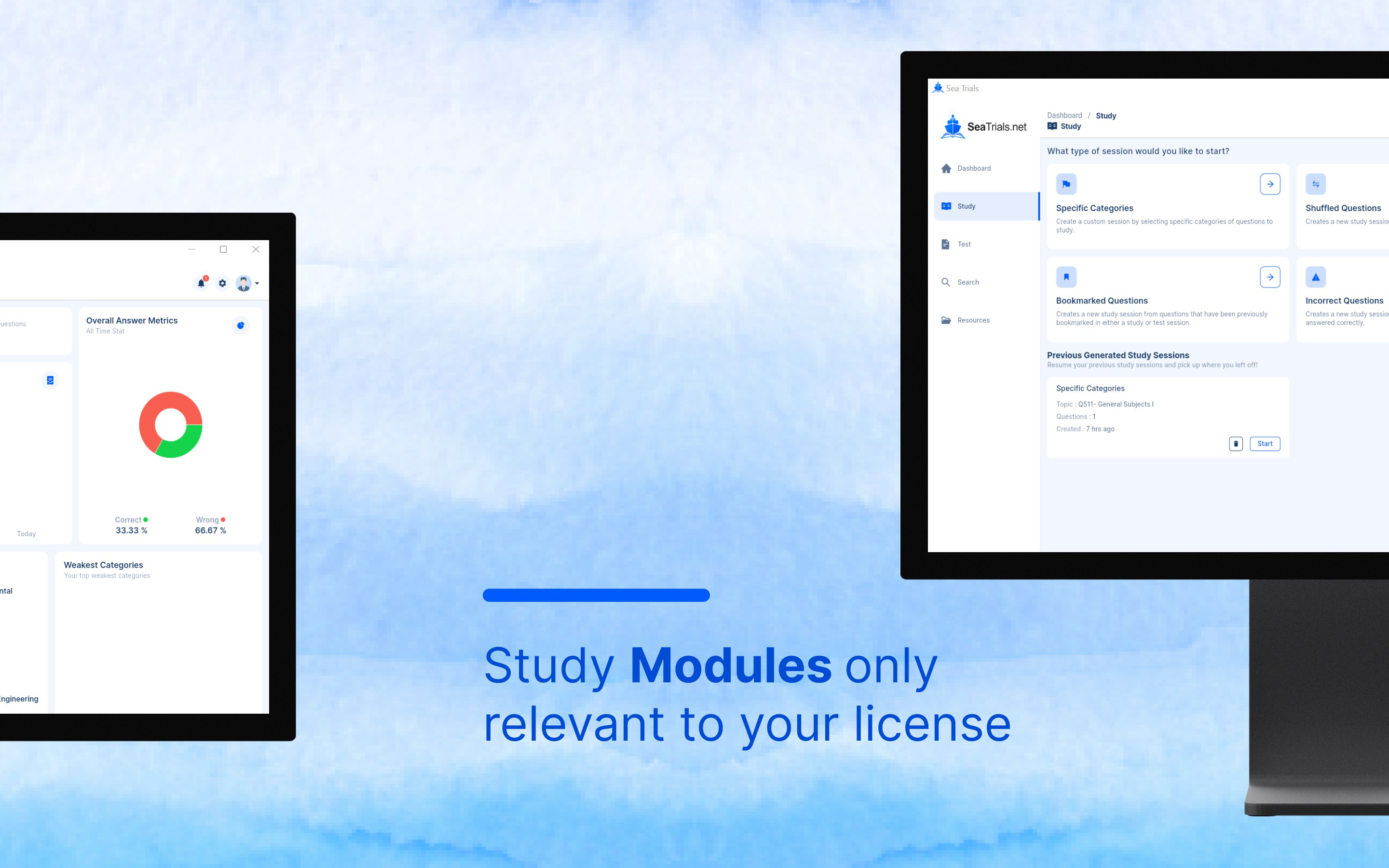
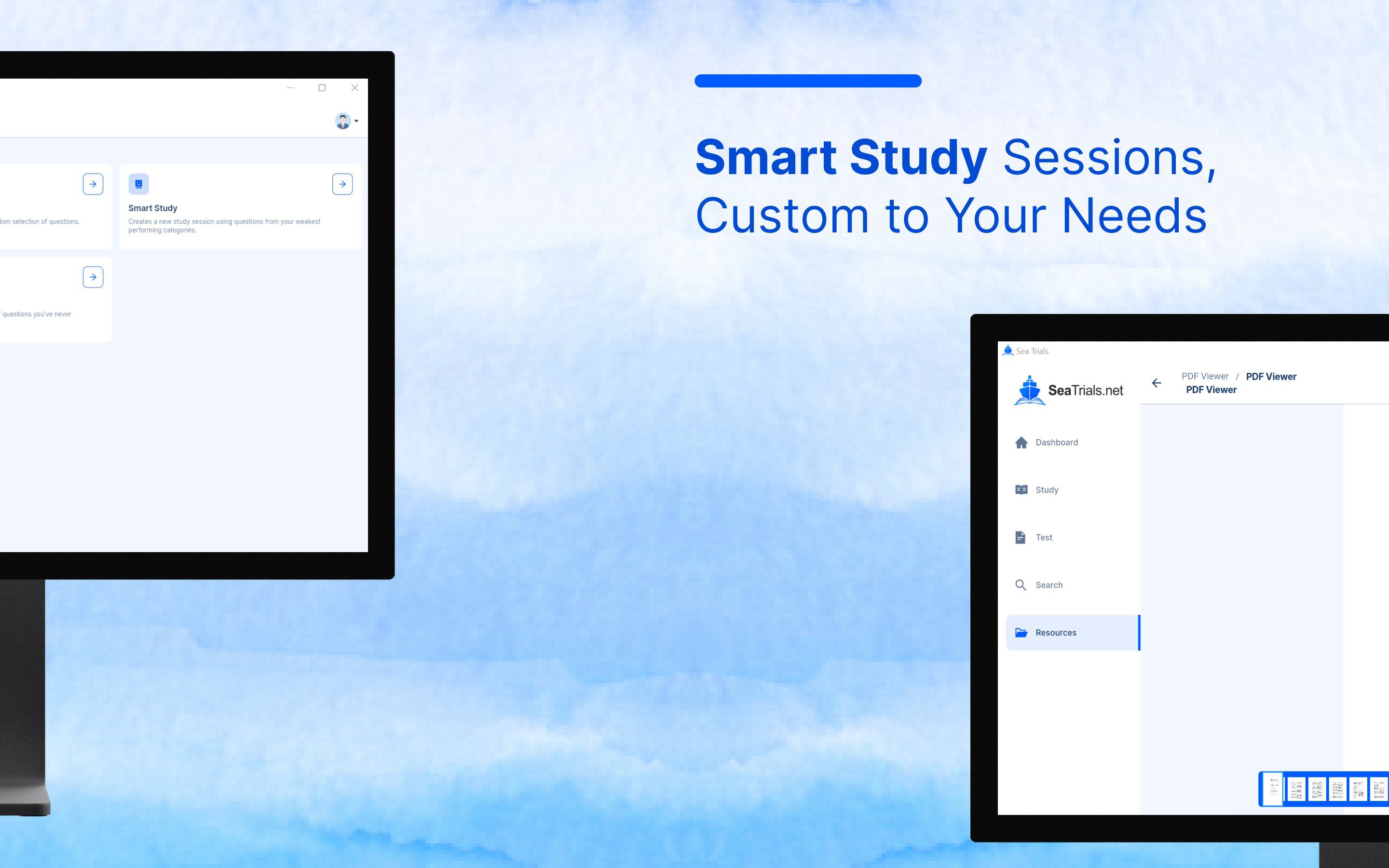
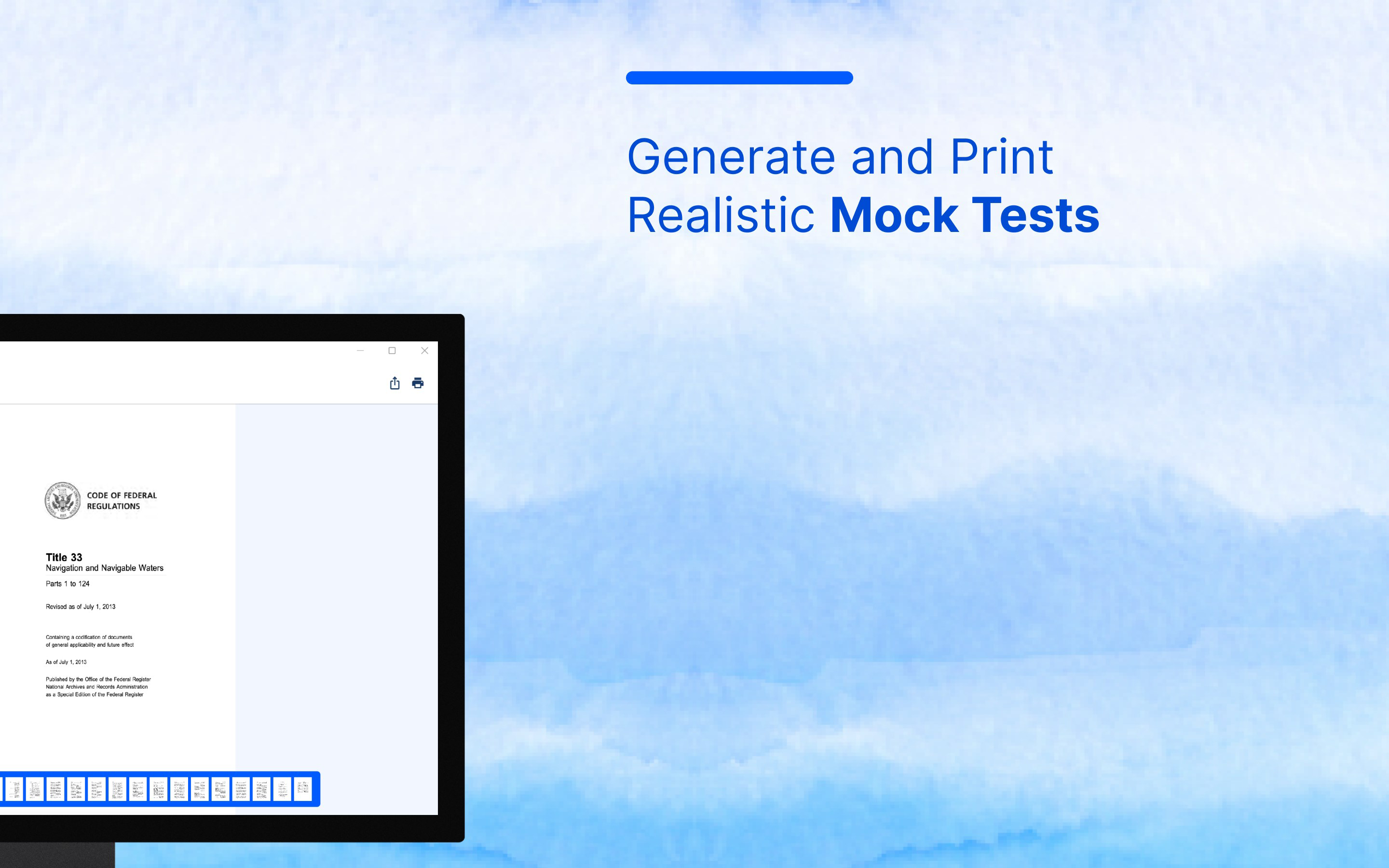
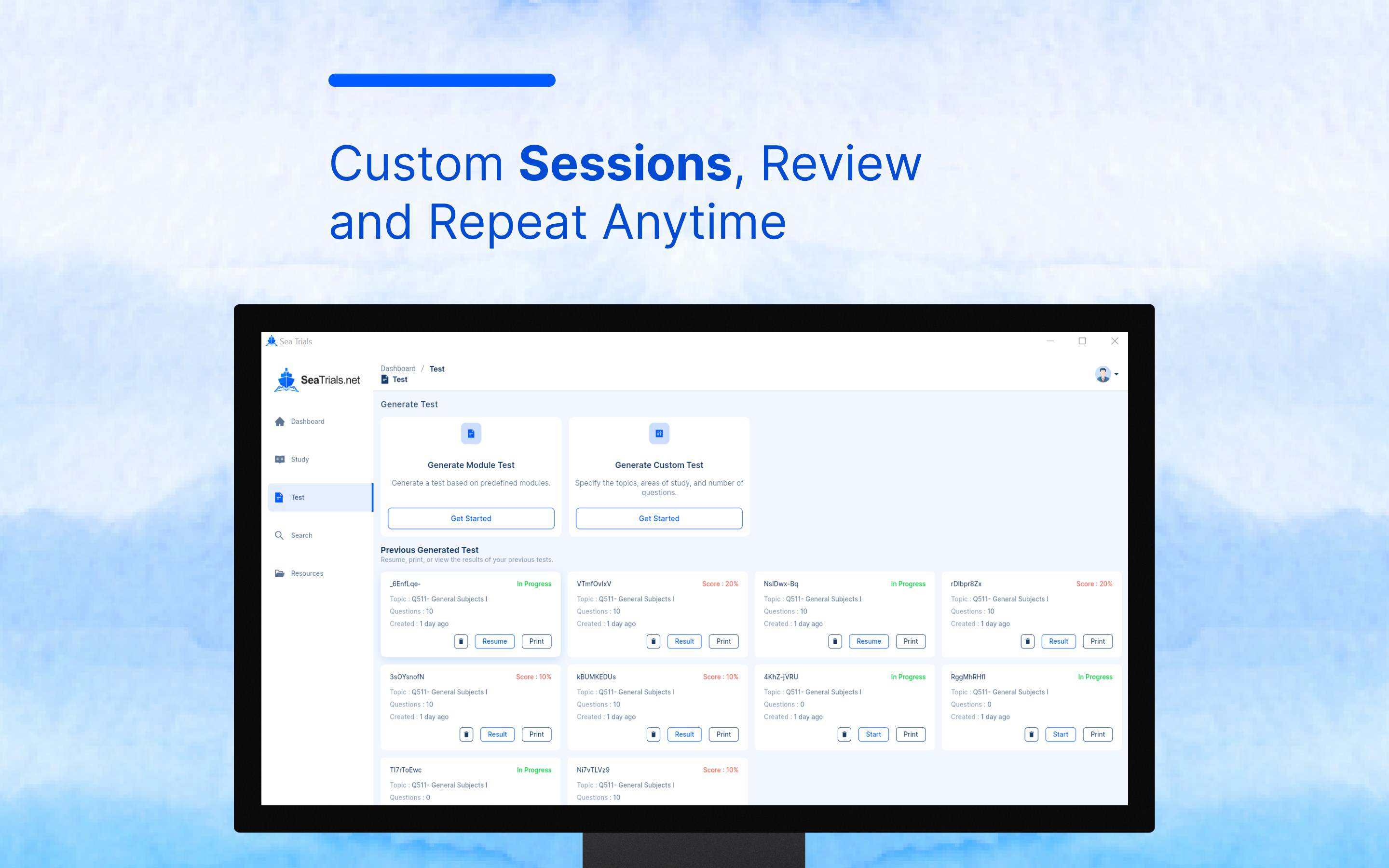
- Personalized Study Assistance: The app offers tailored practice tests focused on specific topics or weak areas. This feature enhances efficiency by directing study efforts where they are most needed, improving retention and confidence.
For example, a deck officer preparing for a license renewal can use the personalized test feature to focus on navigation rules and safety protocols. Meanwhile, an engine room rating can target mechanical systems and electrical theory. The real-time feedback loop helps refine understanding during each session, making study time more productive. These features collectively create a dynamic, responsive learning environment that adapts to individual needs.
Interface, UX & Performance
The interface of Sea Trials is designed with functionality and clarity in mind. The layout prioritizes ease of navigation, allowing users to access study modules, practice tests, and progress tracking with minimal effort. The visual style is clean and professional, using a consistent color scheme and typography that reduce cognitive load during prolonged study sessions.
Navigation flows logically from one section to the next, with intuitive menus and clearly labeled buttons. Users can quickly switch between study modes, view performance history, and adjust settings without confusion. The app’s responsiveness is consistent across various device categories, though specific performance metrics were not disclosed by the developer.
Although the developer did not list formal performance metrics, the app maintains stable operation during typical usage scenarios. It loads content swiftly, even in offline mode, and handles transitions between screens without noticeable lag. The overall experience is smooth and reliable, supporting uninterrupted study sessions. Stability is particularly important for users relying on the app in high-pressure environments, such as before an exam or during a long voyage.
Platform Compatibility & Technical Requirements
Sea Trials is available exclusively on the Android platform. The current version is 1.2.0, with a file size of 102.3 MB. This makes it a lightweight application suitable for a wide range of Android devices, including older models with limited storage capacity.
The developer did not specify minimum OS requirements or compatibility details beyond the platform. As such, users should ensure their device meets general Android standards for running modern applications. No additional hardware specifications were listed. The app’s free pricing model enhances accessibility, particularly for users who may be studying on a budget.
Pros and Cons
Pros
- Comprehensive and up-to-date question bank based on official USCG materials
- Full offline functionality for uninterrupted study in remote areas
- Seamless device syncing across multiple platforms
- Real-time feedback enhances learning efficiency
- Personalized study paths improve targeted preparation
- Free to download and use, increasing accessibility
Cons
- Availability limited to Android devices only
- No information provided about minimum OS version or device compatibility
- Specific technical performance data was not disclosed
- App may not support iOS users, limiting broader reach
- Limited information on future update frequency
FAQ
Is Sea Trials safe to download and use?
Yes, the app is designed to use publicly available U.S. Coast Guard materials and does not require sensitive permissions. It is safe for use on personal devices and does not collect personal data beyond what is necessary for progress tracking.
Can I use Sea Trials without an internet connection?
Yes, the app supports full offline study mode. All content, including questions, answers, and feedback, is accessible without an internet connection, making it ideal for use at sea or in remote locations.
How often is the question bank updated?
The app features a fully updated question bank sourced from current USCG materials. While the exact update schedule was not provided, the developer emphasizes that the content reflects the latest exam standards.
Does Sea Trials sync my progress across devices?
Yes, the app automatically syncs study progress across all devices linked to the same account, allowing users to switch between smartphones, tablets, or other Android devices seamlessly.
Is Sea Trials available for iOS devices?
Currently, Sea Trials is only available on the Android platform. No iOS version was listed in the provided information.
Final Thoughts + CTA
Sea Trials stands out as a focused, reliable, and practical tool for mariners preparing for U.S. Coast Guard licensing exams. Its combination of offline access, real-time feedback, and personalized study paths makes it a valuable asset in any maritime professional’s training toolkit. The app’s commitment to using official USCG content ensures accuracy and relevance, while its free model enhances accessibility for a wide audience.
While it is currently limited to Android, its robust feature set and strong user-centric design make it a top choice for deck and engine exam candidates. Whether you're studying from a dockside office or a vessel in the open ocean, Sea Trials delivers consistent, high-quality support.
Download Sea Trials now
Guides & Tutorials
How to install Sea Trials
- Click the Download button above.
- Once redirected, accept the terms and click Install.
- Wait for the Sea Trials download to finish on your device.
How to use Sea Trials
This software is primarily used for its core features described above. Open the app after installation to explore its capabilities.
User Reviews
No reviews yet. Be the first to share your experience.
You may also like
more
Que no te pillen¡
About !Que no te pillen¡Reviewed by Jason A. BilbreyShow MoreShow Less

3D Combat Zone
About 3D Combat ZoneOriginally released in 1983, 3D Combat Zone immerses players...

666: El día del portal
About 666: El día del portalOn June 6, 2006, Agent P. Stone uncovers a sinister...

80 in 1 Best Flash games
About 80 in 1 Best Flash games 80 in 1 Best Flash games is a collection of 80 fl...

ABYSS SEEKERーーWhat Do You See Deep in The Abyss
About ABYSS SEEKERーーWhat Do You See Deep in The AbyssIn ABYSS SEEKER, players...

ACA NEOGEO THE KING OF FIGHTERS 2002 for Windows
About ACA NEOGEO THE KING OF FIGHTERS 2002 for WindowsTHE KING OF FIGHTERS 2002,...